

 English Malay
  China
China  Türkiye
  France
  Spain
Spain  Vietnamese
  Thailand
  India
India  Русский
  Japan
Japan  Arabic
  Mexico
  Peru
Peru  Argentina
  Korea
Korea  Eng-Canada
  Cambodia
  Philippines
  Bangladesh
  Hong Kong
  Australia
  Singapore
  Colombia
  Iran
Iran What is MT5? MetaTrader 5 is not just an ordinary trading platform but a comprehensive solution for investors who want to access diversified markets such as Forex, Stocks, and Commodities through an intuitive interface. Upgraded from MT4, MetaTrader 5 offers powerful technical analysis tools, flexible order systems, and superior automated trading capabilities. Don’t miss the features that help you optimize your strategies.
See more:
- What is Interest Rate Forex? Understanding Interest Rates in Trading
- What is Drawdown Index? How to Understand to Control Trading Risk
- High-Risk Prop Firm Trading: Big Opportunities Come with Big Challenges
1. What Is MT5? Detailed Definition of MetaTrader 5
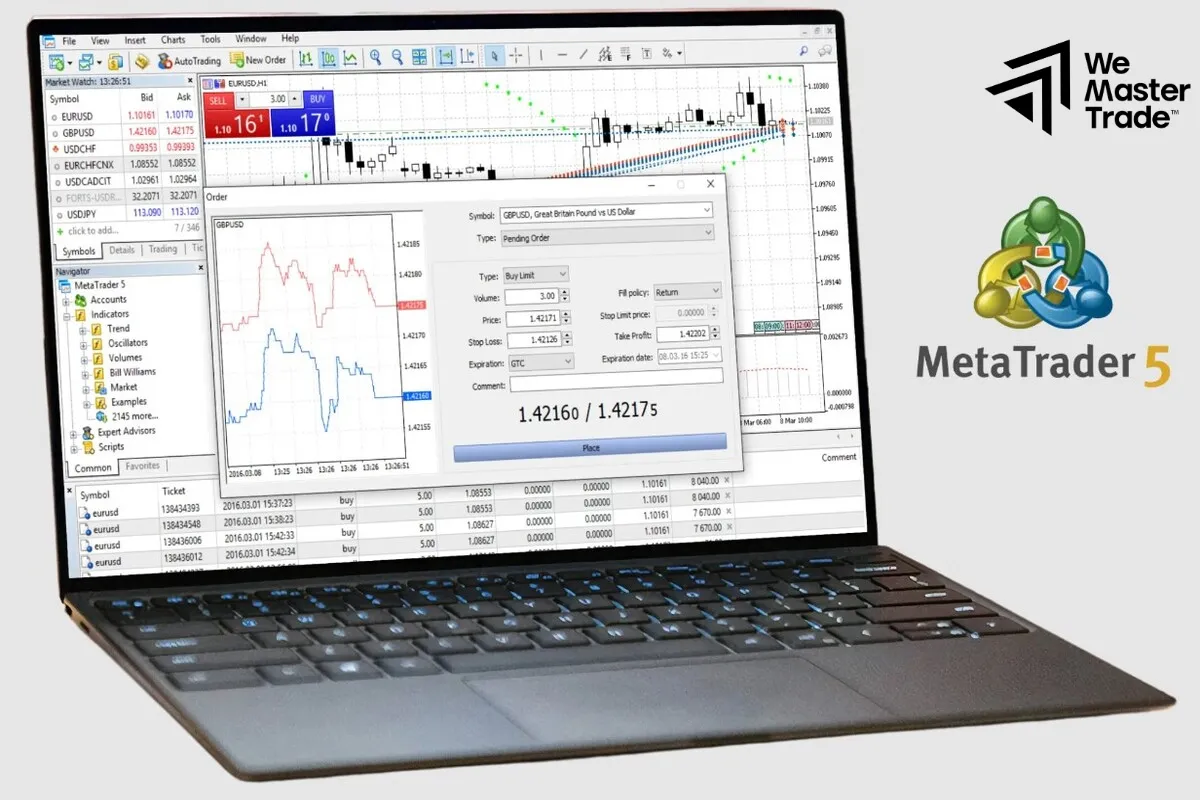
MetaTrader 5 (abbreviated as MT5) is a professional multi-asset trading platform developed by MetaQuotes Software Corp. It is a leading online trading software that allows investors and traders to access and execute buy/sell orders across various global financial markets.
Unlike its predecessor MT4, which mainly focused on the Forex market, MetaTrader 5 is designed to expand trading capabilities, supporting multi-asset trading including:
-
Forex
-
Stocks
-
Futures
-
Commodities
-
Indices
-
Cryptocurrencies (depending on the broker)
MetaTrader 5 represents a technological breakthrough, offering a more powerful, efficient, and flexible trading environment for users.
2. Outstanding Features of the MetaTrader 5 Platform
To master MetaTrader 5, you need to understand the technical advantages that make it one of the most advanced trading platforms:
2.1. Advanced Technical Analysis System
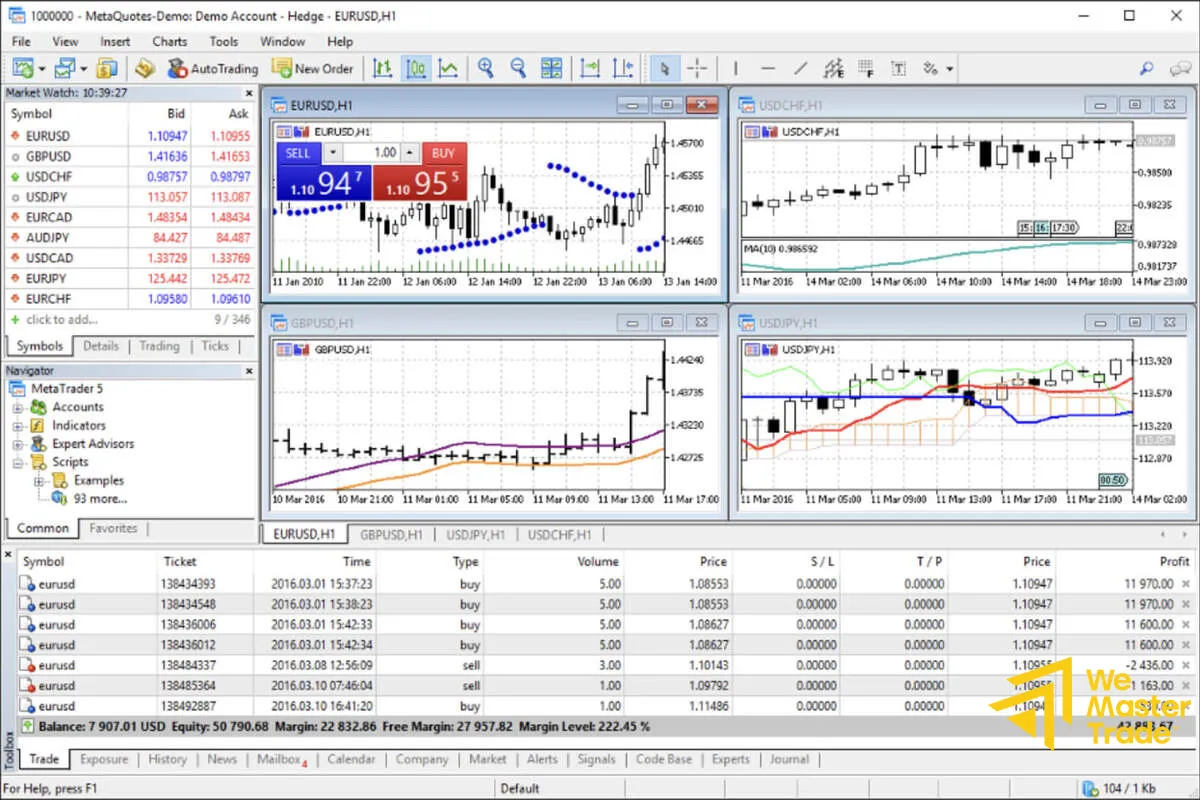
MetaTrader 5 provides a powerful analysis package with 38 technical indicators and 44 graphical objects, including Fibonacci, Gann, and Elliott Wave tools. With 21 different timeframes (from M1 to MN), traders can perform highly detailed multi-timeframe analysis, helping them identify market trends more accurately.
2.2. Flexible Order System
MetaTrader 5 supports 6 types of pending orders (double the number on MT4):
-
Buy Limit, Sell Limit
-
Buy Stop, Sell Stop
-
Buy Stop Limit, Sell Stop Limit
This variety allows traders to set more sophisticated strategies, especially useful in highly volatile markets.
2.3. Expert Advisors (EA) and the MQL5 Language
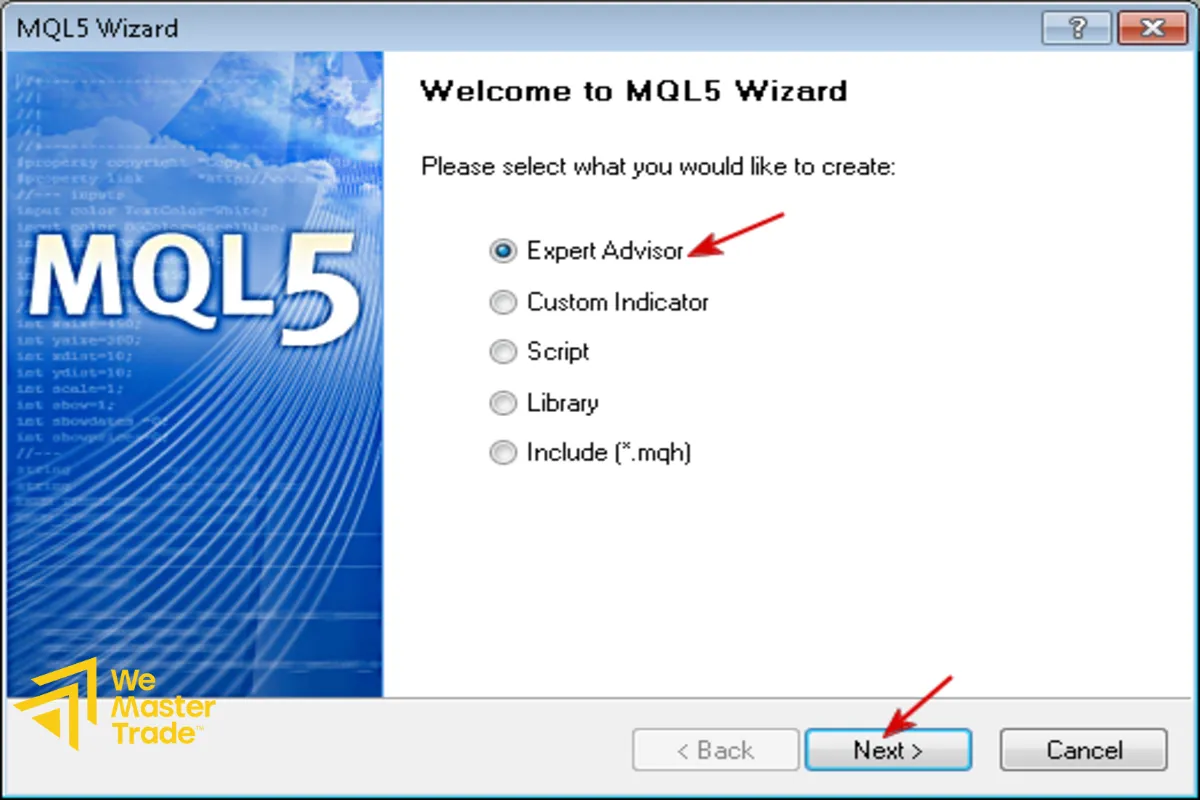
MetaTrader 5 supports automated trading through Expert Advisors (EA). This platform uses the MQL5 programming language, a next-generation language that allows:
-
Significantly faster backtesting and computing
-
Designing more complex custom indicators
-
Accessing MetaTrader Market – a large library of EAs and indicators created by the community
2.4. Diverse Position Management System (Hedging and Netting)
MetaTrader 5 offers two position management models:
-
Hedging: Allows opening multiple opposite positions for the same asset (similar to MT4).
-
Netting: All positions in the same direction on the same instrument are combined into a single position. This is commonly used in stock and futures markets.
3. Basic MetaTrader 5 User Guide: From Installation to Placing Orders
3.1. Download and Install MetaTrader 5
-
Choose a Reputable Broker: Select a trusted broker that supports MT5.
-
Download Software: Visit the broker’s website or the MetaQuotes homepage to download MT5 for PC or mobile (iOS/Android).
-
Login: After installation, use the account information provided by the broker to log into the server.
3.2. Basic Interface (Getting Familiar with MetaTrader 5)
-
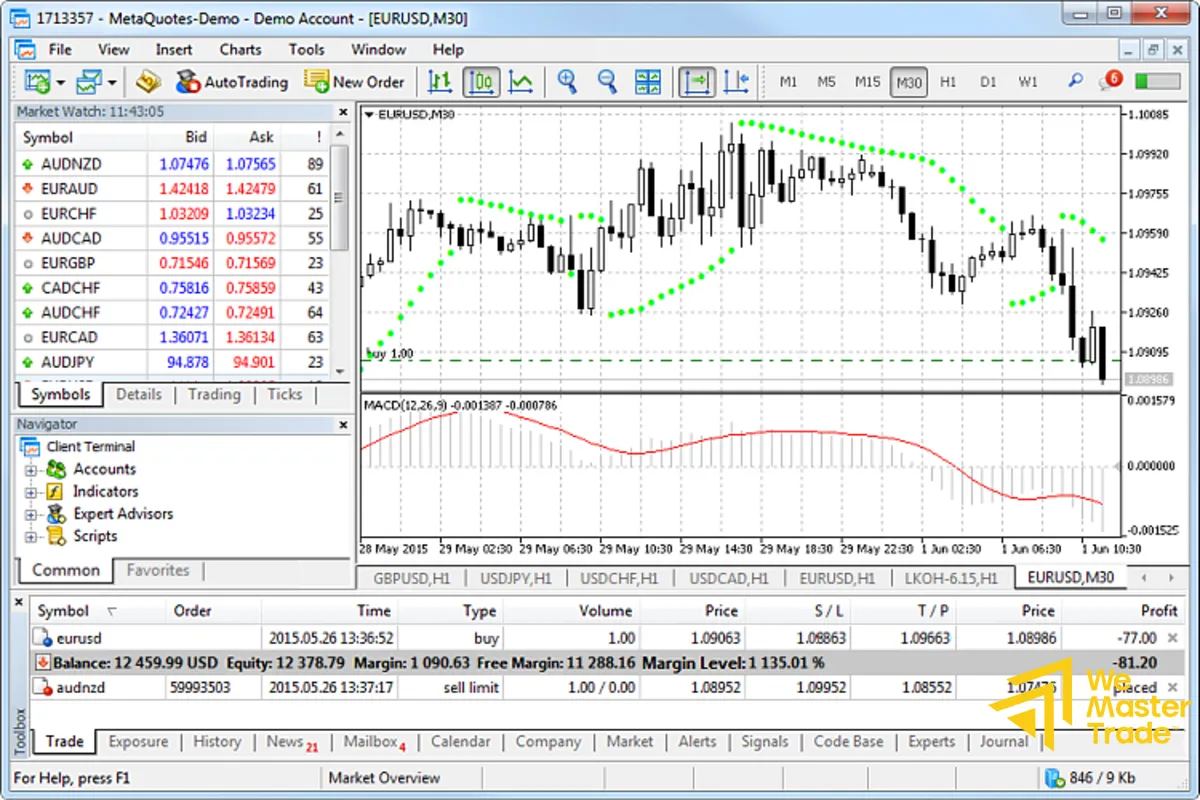
Market Watch: Displays available trading instruments.
-
Navigator: Contains accounts, Expert Advisors, indicators, and scripts.
-
Chart Window: Shows real-time price charts (where technical analysis is performed).
-
Toolbox: Displays trading information, history, news, and the economic calendar.
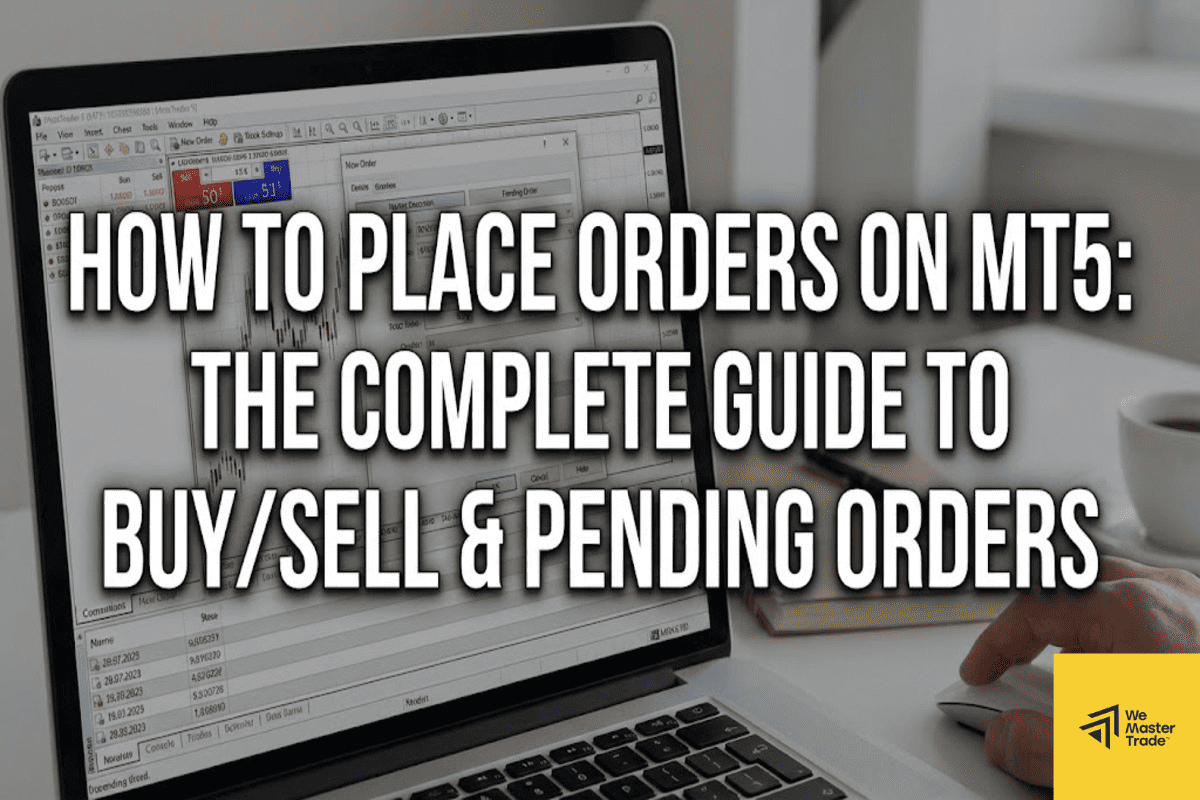
3.3. How to Place Orders on MetaTrader 5
Open a New Order: Double-click a pair in Market Watch or press F9.
Choose Order Type:
-
Market Execution: Executes immediately at the current price.
-
Pending Order: Select one of 6 pending order types to trade automatically when price reaches a certain level.
Setup: Enter volume, configure Stop Loss and Take Profit.
4. Frequently Asked Questions About MetaTrader 5 (FAQs)
Q: Is MT5 safe?
A: Yes. MT5 is used by more than 750 brokers worldwide, protected by 128-bit encryption, and continuously updated by MetaQuotes Software Corp. for stability and security.
Q: Can MT5 trade Vietnamese Stocks?
A: MT5 is an international platform. To trade Vietnamese stocks (such as VN30) on MT5, you need a global broker that provides CFDs for Vietnamese indices or stocks.
Q: How do I use the economic calendar on MT5?
A: The economic calendar is integrated directly into the Toolbox window. You can track important economic events, view impact levels, and review historical data without leaving the platform.
Conclusion
What is MT5? It is the future of online trading. With advanced capabilities such as multi-asset trading, a massive indicator library, and powerful automated trading through MQL5, MT5 goes far beyond a standard trading platform.
By following this detailed A–Z MT5 guide, you now have the knowledge needed to unlock the full potential of MetaTrader 5, allowing you to build professional strategies, increase efficiency, and optimize your technical analysis skills.
See more: